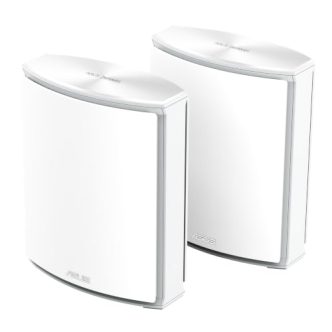
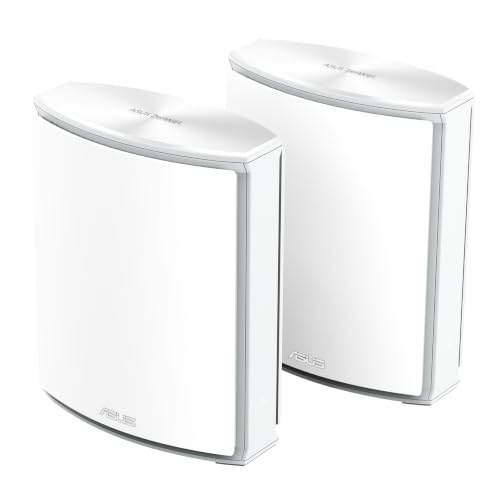
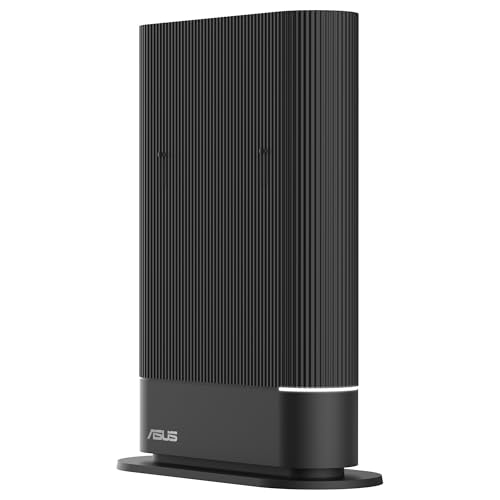
Wireless home networks continue to evolve and, following the widespread adoption of WiFi 7, the industry has already begun testing the next standard. Asus has announced the launch Asus ZenWiFi BN12A mesh network system that is positioned as the world’s first commercial solution based on WiFi 8 technology.
Beyond the commercial speed figures and features mentioned in the paper, this launch serves to understand where connectivity is evolving in the hyper-connected home: less exclusive obsession with maximum raw speed and more emphasis on Medium and long distance stabilityTraffic management and coexistence with dozens of IoT devices. The Asus ZenWiFi BN12 is now available in the Spanish market with a retail price of 1,205.12 euros.
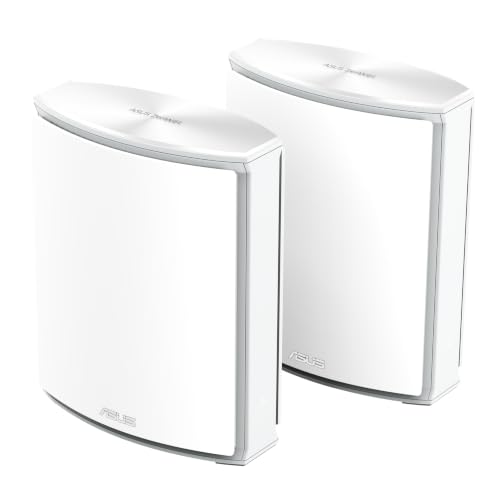
ASUS Zenwifi BN12, for operator and ONT modem, WiFi 8, white, 2 units
Prices may vary. We earn commission from these links
What does the jump to WiFi 8 mean in a mesh system?
ZenWiFi BN12 is a tri-band device capable of achieving Combined speeds of up to 19 Gbps. However, the real calling card of this standard is not only the top image, it also integrates transmission technologies to solve classic coverage problems in large houses or between architectural barriers.
it has New modulation and coding (MCS) and unequal modulation (UEQM), designed to maintain type when the signal passes through partitions or is several meters away from the main node.
Non-primary channel access (NPCA) and coordination between access points allow nodes to communicate more clearly with each other, Reducing traffic congestion in congested environments of the neighbor network.
In addition, this router includes Smart EyeMeshAn evolution of the brand’s node system that combines traditional meshing with WiFi 8 guidelines to optimize the return link (backhaul) According to information provided by the brand, a pack of two units is designed to cover large areas up to 7,000 square meters.

Intelligent traffic management and control
In a modern home, not only fiber download speed is important, but How the bandwidth is distributed When multiple family members make work video calls, play online games, download large files, and operate dozens of light bulbs, sockets, or surveillance cameras at the same time.
To address this, the team introduced the concept QoE (quality of experience) adaptive. Unlike traditional QoS tools (which usually rely on static rules and user-predefined priorities), this system monitors traffic in real time and dynamically redistributes resources based on application demand every millisecond.
In addition, it includes tools WiFi InsightsA utility aimed at visualizing network status in real time, monitoring interference across the entire spectrum and consulting 24-hour historical records to identify bottlenecks or signal anomalies.

Physical connectivity and security
In terms of wired hardware, the system does not move High speed portA must if you want to take advantage backhaul Connect by cable or to a NAS or a high-performance PC and it has a wide connection section:
- Two 10 Gbps Ethernet ports (one for WAM/LAN and one dedicated for LAN).
- Three 2.5 Gbps Ethernet ports (one for WAN/LAN and two for LAN).
- A USB-A port is 5 Gbps.
All of this is supported by the home security ecosystem, which includes AiProtection protection platformSafe browsing options, advanced parental controls, secure DNS, and native VPN support.
|
⚡ In short: Asus ZenWiFi BN12 router |
|---|
|
✅ the best
|
|
❌ The worst
|
|
💡 Buy it if… You always look for the latest modern technology available in the market. |
|
⛔ Do not buy this if… Your budget is tight and you want to solve everyday coverage problems without spending so much. |

You may be interested
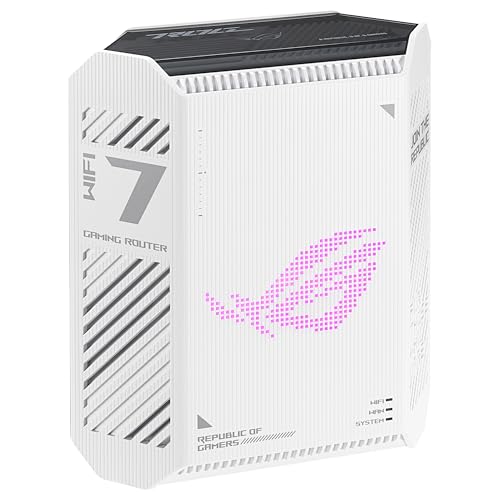
ASUS ROG Strix GS-BE7200 – Dual-Band WiFi 7 Gaming Router
Prices may vary. We earn commission from these links
ASUS ProArt PRT-BE5000 – Dual Band WiFi7 Router for Builders
Prices may vary. We earn commission from these links
Some links in this article are affiliates and may provide financial benefits..
Picture | asus
In Xataka | Which 4G WiFi router to buy? Best recommendations for all budgets and nine models included (travel routers)
In Xataka | Best Place for a WiFi Router at Home: Where to Place the Router to Improve Internet Coverage and Speed